The Emergence of Kinetic User Interfaces
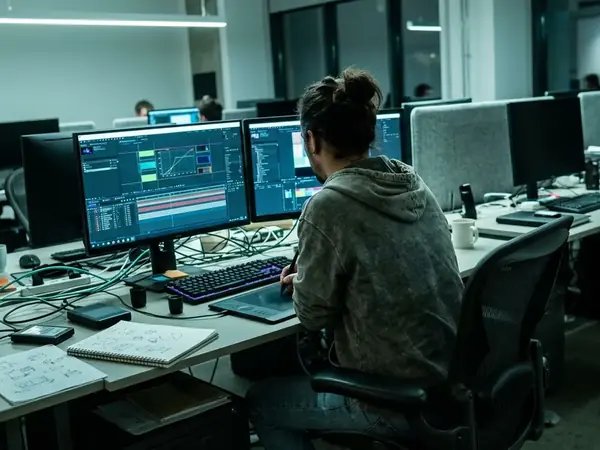
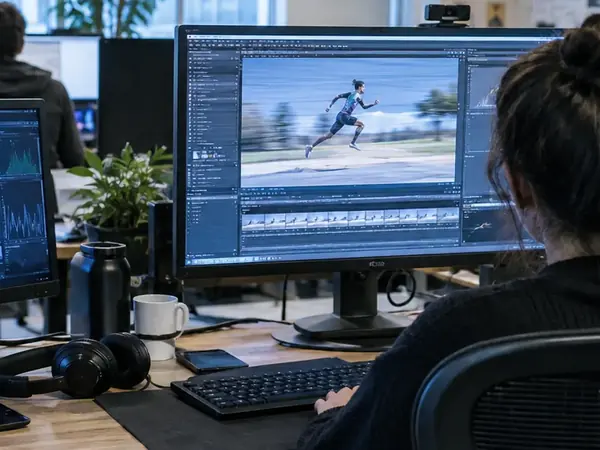
Motion graphics function here as an active navigational tool rather than passive video playback. The timeline playhead operates as a spatial coordinate system driven by user input. Early Exopolis-era work locked base animations to 24fps to preserve cinematic cadence over standard video rates. Core navigational loops were structured into roughly 120-180 frame sequences.
The Paradigm Shift: From Decoration to Navigation
Static HTML pages gave way to fluid, state-based interactive environments. Designers replaced hard cuts with continuous spatial mapping that linked virtual camera z-depth directly to progression through site architecture. Spatial shifts were calibrated to last between 400-600 milliseconds. A minimum of two persistent visual anchors remained visible during camera moves to prevent disorientation.
Temporal Architecture in the Interactive Web
Temporal architecture treats time and z-depth as replacements for traditional x/y scrolling. User journeys map along a timeline instead of a site map. Keyframes serve as interactive nodes and decision points. The team initially tried mapping traditional x/y mouse scrolling directly to timeline frames, but dropped it because variable user scroll speeds broke the carefully authored animation easing. Interface assets were separated into 5-7 distinct focal planes along the z-axis. Forty-five-frame transition blocks handled movement between primary architectural nodes.
Cognitive Load and Kinetic Feedback Mechanisms
Motion affects user comprehension and spatial awareness in measurable ways. Easing curves were manually tuned away from mathematical linear interpolation toward custom bezier curves that mimicked physical mass and friction. Cubic-bezier(0.25, 1, 0.5, 1) easing profiles simulated deceleration of heavy interface panels. A strict 50-80ms visual feedback loop was enforced for all micro-interactions, based on available benchmarks.
Scope and Limitations of Timeline-Based Interfaces
Heavy CPU usage and bandwidth constraints shaped early timeline interfaces. Accessibility challenges arose from motion-heavy, non-standard DOM structures. Balancing cinematic immersion with rapid information retrieval produced a skip-to-end state for returning users. Initial asset payloads stayed between approximately 2.5MB and 4MB of compressed vector data and bitmap sequences. Legacy machines were monitored for frame drops below 15fps during complex alpha-channel blending. One catch: mapping navigational flow strictly to a linear timeline creates severe accessibility barriers, as screen readers cannot parse spatial z-depth transitions without redundant, visually hidden DOM structures.
Implementation: Choreographing Complex State Changes
Storyboarding interactive state changes preceded development. Studio pipelines moved from isolated motion design hand-offs to paired sessions where animators and scripters co-authored state machine logic in real time. Eight-column animatics detailed trigger, action, easing, and audio sync for every state change. Secondary motion began 12-15 frames after the primary action to create overlapping follow-through.
Historical Legacy and Modern Equivalents
Early timeline experiments informed later CSS animations and JS motion libraries. Translating legacy timeline logic to the modern DOM required adopting requestAnimationFrame loops to replicate deterministic, frame-by-frame playback. The 2003-2009 era temporal architecture techniques were applied to 2021-2023 CSS and JS motion libraries. A stable 60fps rendering cycle was maintained across 120+ concurrent DOM nodes. Treating motion as a foundational design material remains the enduring lesson.